

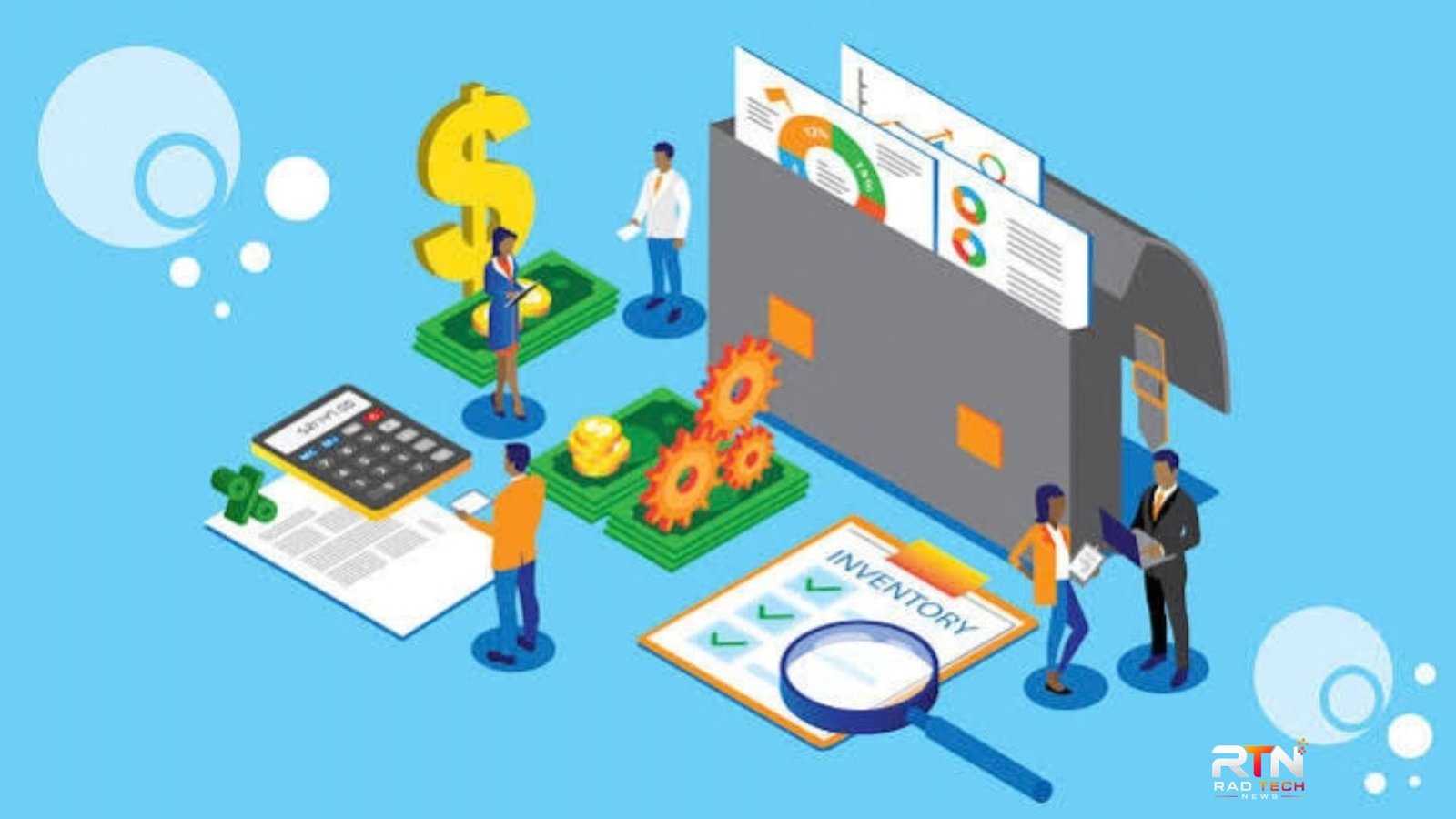
Businesses use software to handle tasks that would otherwise require spreadsheets, paperwork, emails, or separate manual processes. But what is business software, exactly? It is software designed to help an organization perform, manage, automate, or improve specific business activities.
That can include accounting, customer management, payroll, inventory, sales, project management, human resources, communication, and reporting. Some tools handle one narrow function, while larger platforms connect several departments and business processes.
Understanding the different categories makes it easier to identify which tools a company actually needs instead of buying software simply because it has a long list of features.
What Is Business Software?
Business software refers to applications and systems created for commercial or organizational activities. The software helps employees complete routine work, organize information, communicate, analyze data, serve customers, and manage operations.
For example, accounting software can record transactions and produce financial reports, while customer relationship management (CRM) software can organize customer information, sales activity, and service interactions. Microsoft describes CRM as technology that centralizes customer data and supports sales, marketing, and service processes.
At a broader level, enterprise resource planning (ERP) systems connect multiple functions, such as finance, procurement, inventory, supply chain, human resources, and project operations. ERP platforms can use centralized data and automated workflows to reduce disconnected processes.
Common Types of Business Software
There is no single application that qualifies as the standard business system for every organization. Different companies need different combinations of tools.
| Software type | Main purpose | Typical users |
|---|---|---|
| Accounting software | Manage finances, invoices, expenses, and reporting | Finance teams, owners |
| CRM software | Manage leads, customers, sales, and service | Sales and support teams |
| ERP software | Connect major business processes and shared data | Operations and management |
| HR software | Manage employee records, payroll, attendance, and HR processes | HR teams |
| Project management | Plan tasks, deadlines, resources, and projects | Project teams |
| Inventory software | Track stock, orders, and warehouse activity | Retail and operations |
| Communication software | Support messaging, meetings, and collaboration | Most employees |
These categories can overlap. A modern business platform may combine several functions, while a smaller company may prefer separate specialist applications.
Accounting and Financial Software
Financial software helps businesses manage money-related activities. Depending on the product, it can support invoicing, accounts payable and receivable, expense tracking, budgeting, financial reporting, and transaction records.
For a small company, accounting software may be enough for its financial needs. A growing organization with complex operations may eventually require a broader ERP system. IBM notes that accounting is one component of ERP, whereas ERP can cover a much wider range of business functions.
CRM Software
CRM software focuses on relationships with current and potential customers. It can store contact details, record interactions, track sales opportunities, manage follow-ups, and support customer service.
The main advantage is having customer information organized in a shared environment instead of scattered across individual spreadsheets, inboxes, and notes.
ERP Software
ERP is among the broadest categories of business applications. An ERP system can connect finance, purchasing, inventory, manufacturing, supply chain, HR, projects, and other operational processes.
Modern ERP platforms can also automate repetitive workflows and provide reporting from shared business data. Cloud-based ERP can make the software accessible across locations without requiring every organization to maintain its own physical infrastructure.
HR and Workforce Software
HR systems help organizations manage employee information and administrative processes. Depending on the product, capabilities can include recruitment, onboarding, attendance, payroll, benefits, performance management, and employee records.
These systems can reduce repetitive administrative work and give HR teams a structured way to manage workforce information.
Project and Task Management Software
Project management applications help teams organize work into tasks, assign responsibilities, establish deadlines, monitor progress, and coordinate resources.
They are particularly useful when several employees need visibility into the same project. Instead of relying entirely on email updates, a team can use a shared workspace to see what has been assigned, completed, or delayed.
💡 Pro Tip: Before choosing software, write down the three or five processes that consume the most staff time. Then evaluate products against those specific workflows. This usually produces a more useful shortlist than comparing dozens of features in isolation.
How Does Business Software Work?
Business software generally takes information entered by employees, customers, connected systems, or automated processes and turns it into useful records, actions, or reports.
For example, a sales employee might enter a new customer into a CRM. The system can store the contact, record subsequent interactions, track an opportunity, and provide information to other authorized employees.
More integrated systems can connect processes. A customer order might affect inventory, generate financial information, and trigger fulfillment tasks. ERP systems are specifically designed to connect business processes and data in this way.
Many modern applications are cloud-based and accessed through a web browser or mobile application. Others may be installed on company-owned infrastructure, while hybrid arrangements combine cloud and on-premises systems.
What Are the Benefits of Business Software?
The value of business software depends on how well it fits the organization’s actual needs. Common benefits include:
- Less manual work: Repetitive processes can be automated.
- Better organization: Information can be stored in structured systems rather than scattered files.
- Faster access to information: Employees can find relevant records without searching through multiple sources.
- Improved collaboration: Teams can work from shared information and workflows.
- Better reporting: Dashboards and reports can make operational and financial information easier to review.
- Scalability: Suitable software can support additional employees, customers, transactions, or locations as an organization grows.
Automation is particularly valuable when a process involves repeated data entry, approvals, notifications, or routine calculations. Modern ERP platforms, for example, can automate activities such as order processing, approvals, and inventory updates.
However, software does not automatically improve a poorly designed process. If workflows are unnecessarily complicated or employees are not trained properly, adding another application may create more problems rather than solve them.
How to Choose the Right Business Software
Choosing business software should begin with the business problem, not the product name.
First, identify the process that needs improvement. Then determine who will use the software, what information it must handle, which existing systems it needs to connect with, and what security or compliance requirements apply.
Also consider:
- Ease of use: Employees should be able to learn the core functions without excessive training.
- Integration: Check whether the system connects with the applications you already depend on.
- Scalability: Consider future users, locations, transactions, and functionality.
- Data security: Review access controls, authentication, backups, and the provider’s security practices.
- Total cost: Look beyond the subscription price and consider implementation, migration, training, integrations, and support.
- Reporting: Make sure the system provides the information managers actually need.
A small business does not necessarily need an extensive enterprise platform. Likewise, a rapidly expanding organization may eventually outgrow a collection of disconnected specialist tools.
📌 Key Takeaway: The purpose of business software is not simply to replace paper or spreadsheets. The right system should make a meaningful business process easier to manage, connect useful information, reduce avoidable manual work, or give employees better visibility into operations.
Frequently Asked Questions
Is business software only for large companies?
No. Businesses of almost any size can use specialized applications. A small company might need accounting, invoicing, or CRM software, while a larger organization may require integrated ERP, HR, supply chain, analytics, and collaboration systems. The appropriate level of technology depends on operational complexity and business requirements.
What is the difference between business software and regular software?
The distinction is mainly based on purpose. Business software is designed to support organizational activities such as finance, sales, operations, customer service, or workforce management. General-purpose software may support everyday computing without being specifically designed around business processes.
Is ERP the same as business software?
ERP is one category within the broader business software market. ERP systems are designed to connect multiple core business functions through shared data and workflows. Other applications, such as standalone CRM, accounting, payroll, and project management tools, may address narrower requirements.
Should a small business use an ERP system?
Not necessarily. A small business may be well served by a few specialized applications. ERP becomes more relevant when disconnected systems create operational complexity or when the company needs integrated processes across several departments. The decision should be based on actual requirements rather than company size alone.
Can business software be cloud-based?
Yes. Many current applications are delivered through cloud services, allowing users to access systems through internet-connected devices. Cloud deployment can simplify updates and provide flexible access, although businesses should still evaluate security, availability, data ownership, integration, and vendor policies before adopting a system.
Conclusion
The answer to what is business software is broader than a single application or product category. It is a collection of technologies designed to support the way organizations operate, from accounting and customer management to inventory, HR, projects, and enterprise-wide processes.
The most useful software is not necessarily the one with the longest feature list. It is the system that addresses a real operational need, fits existing workflows, protects business information, and can continue to support the organization as its requirements change.
