

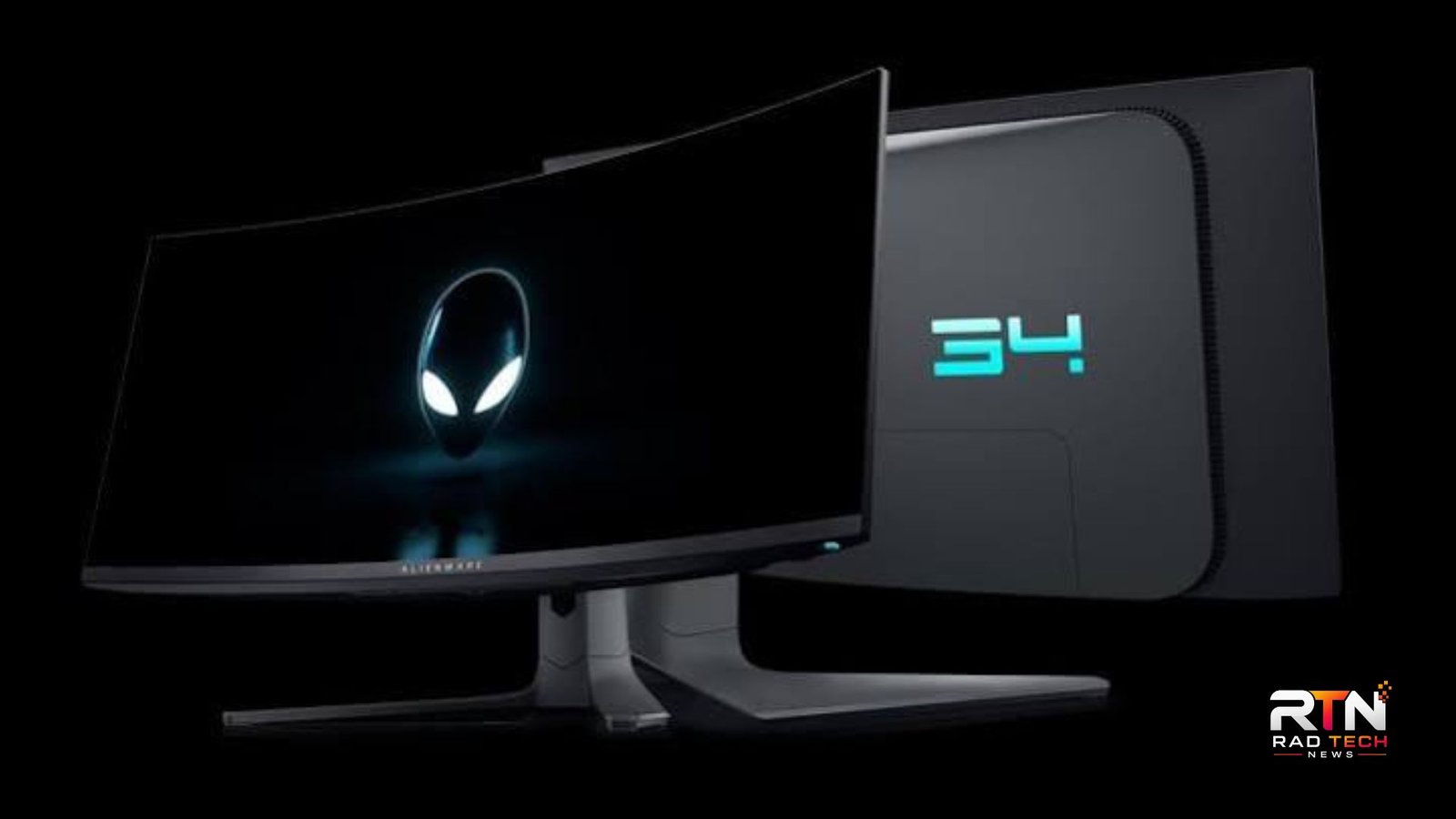
The best Alienware gaming monitor depends on what you value most: 4K detail, competitive speed, ultrawide immersion, or overall versatility. Alienware’s current lineup includes premium QD-OLED displays aimed at different types of gamers, with options ranging from 27-inch 1440p at 360Hz to 32-inch 4K at 240Hz.
For most high-end PC gamers, the Alienware AW3225QF is the strongest all-round choice. Competitive players may prefer the AW2725DF, while the AW3423DWF remains compelling for gamers who specifically want a curved ultrawide OLED experience.
The best Alienware gaming monitor for most gamers
The Alienware AW3225QF stands out because it combines a 31.6-inch 4K QD-OLED panel with a 240Hz refresh rate. It also includes HDMI 2.1, making it particularly suitable for modern gaming PCs and current consoles. Dell lists a 0.03ms gray-to-gray response time, while the display supports HDR and variable refresh rate features.
Its 3840 × 2160 resolution gives games noticeably more image detail than 1440p, while 240Hz provides enough headroom for fast competitive titles. RTINGS also finds it to be the more versatile option compared with the 27-inch AW2725DF when a larger screen, 4K resolution, and console connectivity are priorities.
The trade-off is straightforward: driving 4K at very high frame rates demands substantially more GPU performance than 1440p. If your graphics card cannot produce high frame rates, paying for a 240Hz 4K panel may not provide the same value as choosing a faster 1440p display.
Three Alienware monitors worth considering
| Model | Resolution | Refresh rate | Best for |
|---|---|---|---|
| Alienware AW3225QF | 4K UHD | 240Hz | High-end all-round gaming |
| Alienware AW2725DF | 1440p QHD | 360Hz | Competitive gaming |
| Alienware AW3423DWF | 3440 × 1440 ultrawide | 165Hz | Immersive PC gaming |
Alienware AW3225QF: Best overall
The AW3225QF is the best Alienware gaming monitor for buyers who want a premium display without committing to an ultrawide format. Its 4K resolution is useful beyond gaming, too, because the additional pixel density can make desktop content and text appear more detailed.
The curved 32-inch format also gives the screen a more enveloping presentation without being as wide as a 34-inch ultrawide. Dell includes two HDMI 2.1 ports, DisplayPort, USB connectivity, and an eARC-capable HDMI connection.
One particularly useful feature is Dolby Vision support, which adds flexibility for compatible HDR content. RTINGS notes that the monitor also supports common VRR formats and has HDMI 2.1 bandwidth.
Alienware AW2725DF: Best for competitive players
If your priority is competitive gaming rather than maximum resolution, the AW2725DF makes more sense. It uses a 27-inch QD-OLED panel at 2560 × 1440 and reaches 360Hz through DisplayPort. Dell specifies a 0.03ms gray-to-gray response time and VESA DisplayHDR True Black 400 support.
The lower resolution is actually an advantage for many esports systems. A high-end GPU has an easier task rendering 1440p than 4K, making it more realistic to take advantage of the monitor’s 360Hz ceiling.
RTINGS describes the AW2725DF as an excellent 27-inch gaming monitor, particularly for gamers seeking outstanding motion performance and image quality without moving to 4K.
It uses a 27-inch QD-OLED panel at 2560 × 1440 and reaches 360Hz through DisplayPort. Dell specifies a 0.03ms gray-to-gray response time and VESA DisplayHDR True Black 400 support.
The lower resolution is actually an advantage for many esports systems. A high-end GPU has an easier task rendering 1440p than 4K, making it more realistic to take advantage of the monitor’s 360Hz ceiling.
RTINGS describes the AW2725DF as an excellent 27-inch gaming monitor, particularly for gamers seeking outstanding motion performance and image quality without moving to 4K.
Its main limitation is simple: 1440p does not provide the same level of fine detail as the AW3225QF’s 4K panel. For single-player games, productivity, and high-resolution media, the larger 4K model may be the better fit.
Alienware AW3423DWF: Best ultrawide option
The AW3423DWF takes a different approach with its 34.18-inch, 21:9 curved QD-OLED display. It runs at 3440 × 1440 and up to 165Hz through DisplayPort, with AMD FreeSync Premium Pro and VESA AdaptiveSync certification.
Its strength is immersion. Racing games, open-world adventures, flight simulators, and cinematic PC titles can benefit from the wider field of view. RTINGS also highlights its near-instantaneous response time, low input lag, and excellent dark-room performance.
There are compromises. Its HDMI connection is limited to 100Hz, and changing frame rates can produce noticeable VRR flicker.
💡 Pro Tip: Before choosing an OLED monitor, match the display to your GPU rather than buying based solely on the highest specification. A system that regularly reaches 200+ fps at 1440p can benefit more from the AW2725DF’s 360Hz refresh rate than from a 4K 240Hz screen it cannot drive near its full potential.
OLED advantages and limitations
Alienware’s premium monitors use OLED or QD-OLED technology, giving them exceptionally deep blacks and very fast pixel response. That makes them particularly attractive for dark-room gaming and fast-moving scenes.
QD-OLED also produces vivid colors and strong HDR performance, but OLED is not perfect. Bright ambient light can affect perceived black levels on some QD-OLED displays, while static content can create long-term burn-in concerns.
That means desktop users should pay attention to usage habits. Features such as screen-saving functions, varied content, and sensible brightness settings can be useful precautions, particularly if the monitor will display static windows for many hours.
Which Alienware monitor should you buy?
The right choice comes down to your gaming style and hardware.
Choose the AW3225QF if you want the most complete combination of 4K detail, high refresh rate, OLED contrast, and modern connectivity. It is the best Alienware gaming monitor for a premium mixed gaming setup.
Choose the AW2725DF if competitive shooters are your priority and your PC can take advantage of very high frame rates. Its 360Hz refresh rate is the defining reason to choose it.
Choose the AW3423DWF if you specifically want a curved ultrawide experience. Its 21:9 format remains a strong choice for immersive PC gaming, particularly when 4K is less important than a wider field of view.
📌 Key Takeaway: There is no single Alienware display that wins every category. The AW3225QF is the strongest all-rounder, the AW2725DF is better suited to high-refresh competitive play, and the AW3423DWF is the specialist choice for ultrawide immersion.
Frequently Asked Questions
Is Alienware good for gaming monitors?
Yes. Alienware’s premium gaming monitors offer high refresh rates, OLED or QD-OLED panels, low response times, HDR support, and adaptive-sync features. The specific strengths vary by model, so buyers should compare resolution and refresh rate rather than choosing solely by brand.
Is 4K 240Hz better than 1440p 360Hz?
Neither is universally better. A 4K 240Hz monitor prioritizes image detail and is excellent for high-end gaming, while 1440p 360Hz is better suited to competitive players who value extremely high frame rates. GPU capability should heavily influence the decision.
Does the AW3225QF work well with consoles?
It is a strong option for console gaming because it includes HDMI 2.1 connectivity and supports 4K at high refresh rates. RTINGS specifically identifies its HDMI 2.1 bandwidth and 4K display as advantages for console users.
Is the AW3423DWF still worth buying?
Yes, particularly if you want a 34-inch curved ultrawide OLED. Its 3440 × 1440 resolution and 165Hz refresh rate remain well suited to immersive PC gaming. However, the newer AW3225QF offers higher resolution and refresh rate, so it is the stronger choice for buyers seeking maximum specifications.
Which Alienware monitor is best for esports?
The AW2725DF is the natural choice among these models because its 360Hz refresh rate is specifically useful for high-frame-rate competitive gaming. Its 1440p resolution also places less rendering demand on the GPU than 4K, making high frame rates easier to achieve.
Final Verdict
The best Alienware gaming monitor is the one that matches your hardware and preferred games. For a premium all-purpose setup, the AW3225QF offers the strongest balance of 4K resolution, 240Hz gaming, OLED contrast, and HDMI 2.1. Competitive players should look closely at the AW2725DF, while ultrawide enthusiasts still have a compelling option in the AW3423DWF.
Rather than paying for specifications you cannot use, choose according to GPU performance, game type, screen size, and whether you prefer resolution or refresh rate. That approach makes the best Alienware gaming monitor much easier to identify.

1 Comment
Pingback: What Is Escasinoes.com? Features, Safety & Full Review