

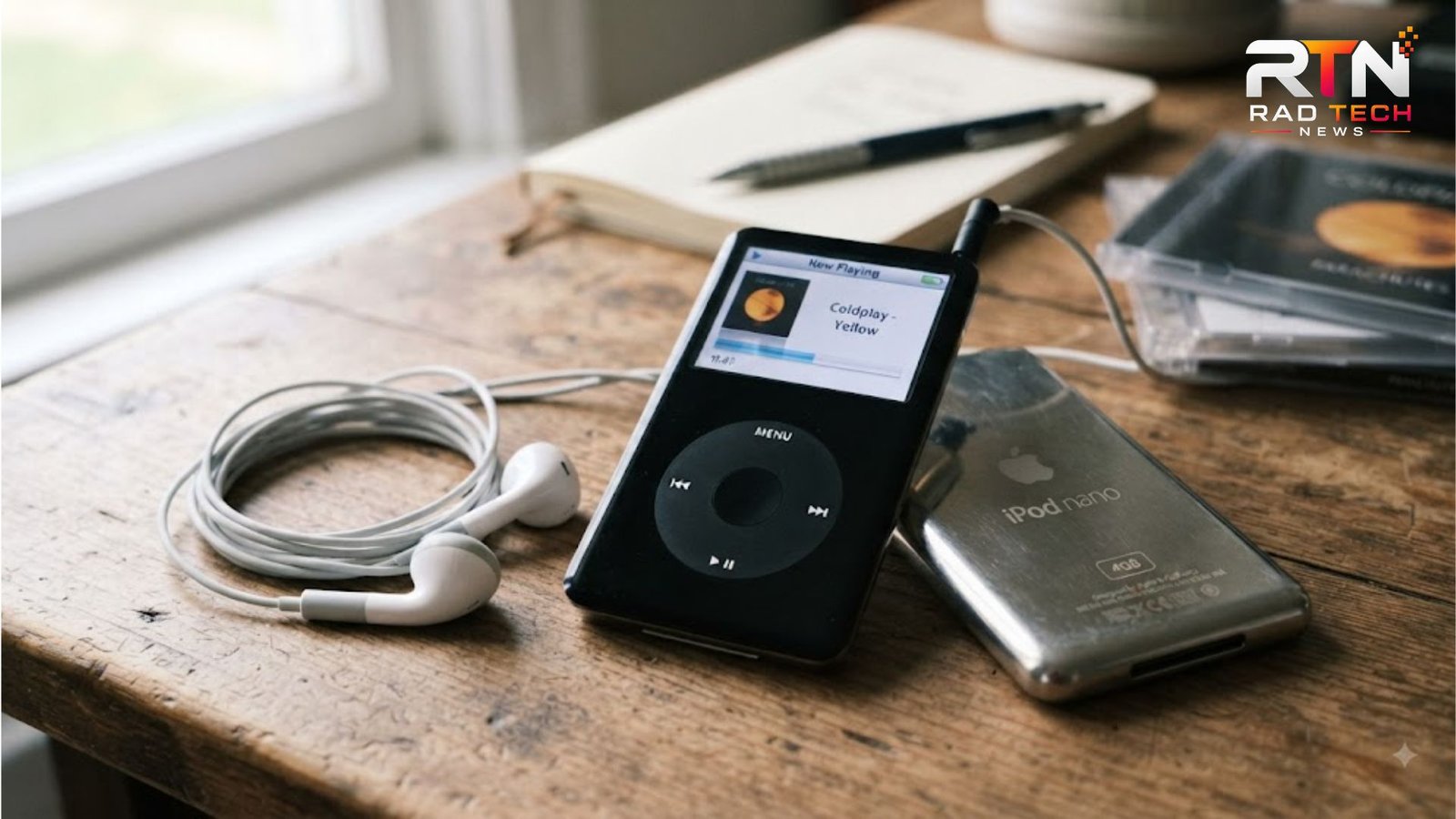
The iPod nano 1st gen changed portable music when Apple introduced it on September 7, 2005. Replacing the iPod mini, it paired flash storage with a thin body, colour display, and familiar Click Wheel. For listeners seeking distraction-free music—or collectors interested in Apple design—the original nano remains fascinating.
Why the original nano mattered
Apple’s first nano was small enough for a watch pocket yet offered the core iPod experience: playlists, album art, contacts, calendars, games, and photo viewing. Solid-state storage had no moving hard drive, helping Apple make the player thinner than older hard-disk iPods. Apple’s launch announcement highlighted its compact design and flash storage.
The 1.5-inch colour LCD looks modest beside a phone, but its 176 × 132 resolution remains clear for menus and artwork. The Click Wheel remains the star: scrolling, changing volume, and navigating playlists feel immediate without a touchscreen.
iPod nano 1st gen specifications
| Feature | Original specification |
|---|---|
| Release | September 2005 |
| Storage | 1GB, 2GB, or 4GB flash memory |
| Display | 1.5-inch colour LCD, 176 × 132 pixels |
| Battery | Up to 14 hours of music playback |
| Dimensions | About 89 × 40 × 6.9 mm |
| Weight | About 42 grams |
| Connection | 30-pin dock connector and USB syncing |
The 1GB version appeared later than the launch 2GB and 4GB models. All capacities are non-expandable, so check the storage label and synchronise only the music you want. The advertised 14-hour figure describes ideal playback; an ageing battery may deliver substantially less today.wikipedia+1
What it can still do
For local music, the nano is refreshingly focused. It handles common MP3 and AAC libraries, playlists, ratings, podcasts, and photo slideshows. It does not offer Wi-Fi, Bluetooth, streaming apps, cellular service, or modern USB-C charging. Music generally needs a compatible computer and iTunes-era syncing workflow.
💡 Pro Tip: Before buying a used iPod nano 1st gen, ask for a video showing it booting, charging, navigating the Click Wheel, and playing audio. This can reveal a weak battery, damaged display, stuck controls, or failing headphone jack.
Buying and battery advice
Condition matters more than capacity. Inspect the screen for bright spots and cracks; check the hold switch and confirm that the 30-pin port accepts a cable firmly. A clean 4GB model suits a larger offline library, but a tested 2GB player may be better value for short listening sessions.
The lithium-ion battery is the main risk. Swelling, unusual heat, case separation, or a screen pushed upward are warning signs: stop charging and do not use the device. Apple previously ran a replacement programme for certain first-generation nanos sold between September 2005 and December 2006 because of a rare overheating risk; that programme ended, and Apple lists obsolete products as ineligible for hardware service.support.apple+1
For restoration, use a specialist familiar with vintage iPods rather than forcing the enclosure open. Incorrect installation can damage the display or create a safety hazard.
📌 Key Takeaway: Buy the iPod nano 1st gen for pocketable design and offline listening, not modern convenience. A tested battery, working Click Wheel, healthy screen, and reliable sync cable matter more than a low asking price.
Frequently Asked Questions
Is the first iPod nano still worth buying?
It can be, if you want a simple offline music player or collectible Apple product. It lacks Bluetooth and current software support. Choose one only after checking battery health, charging, and return terms. Prices depend heavily on condition, accessories, and collector demand.
How much music can the original nano hold?
Apple marketed the 1GB, 2GB, and 4GB versions for roughly 240, 500, and 1,000 songs, although actual capacity changes with song length, encoding, artwork, and other files. A 4GB model offers flexibility, while 1GB suits a carefully selected travel playlist.
Can an iPod nano 1st gen connect to modern computers?
Compatibility is inconsistent. It uses a 30-pin cable and older syncing system, so a current computer may require legacy software, adapters, or troubleshooting. Before buying, verify that your operating system recognises the device and that you can access the music files you plan to transfer.
Does the first-generation nano have Bluetooth?
No. It has a wired 3.5mm headphone connection and no built-in Bluetooth or Wi-Fi. A third-party Bluetooth transmitter may work, but it can need its own battery and be inconvenient. Tested wired headphones remain simplest.
Conclusion
The iPod nano 1st gen is a landmark in Apple’s portable music history: tiny, elegant, and purpose-built. Its flash storage, tactile Click Wheel, and lightweight body still suit offline listening. Treat battery condition and safe servicing as priorities, and this classic can remain enjoyable long after its release.
