

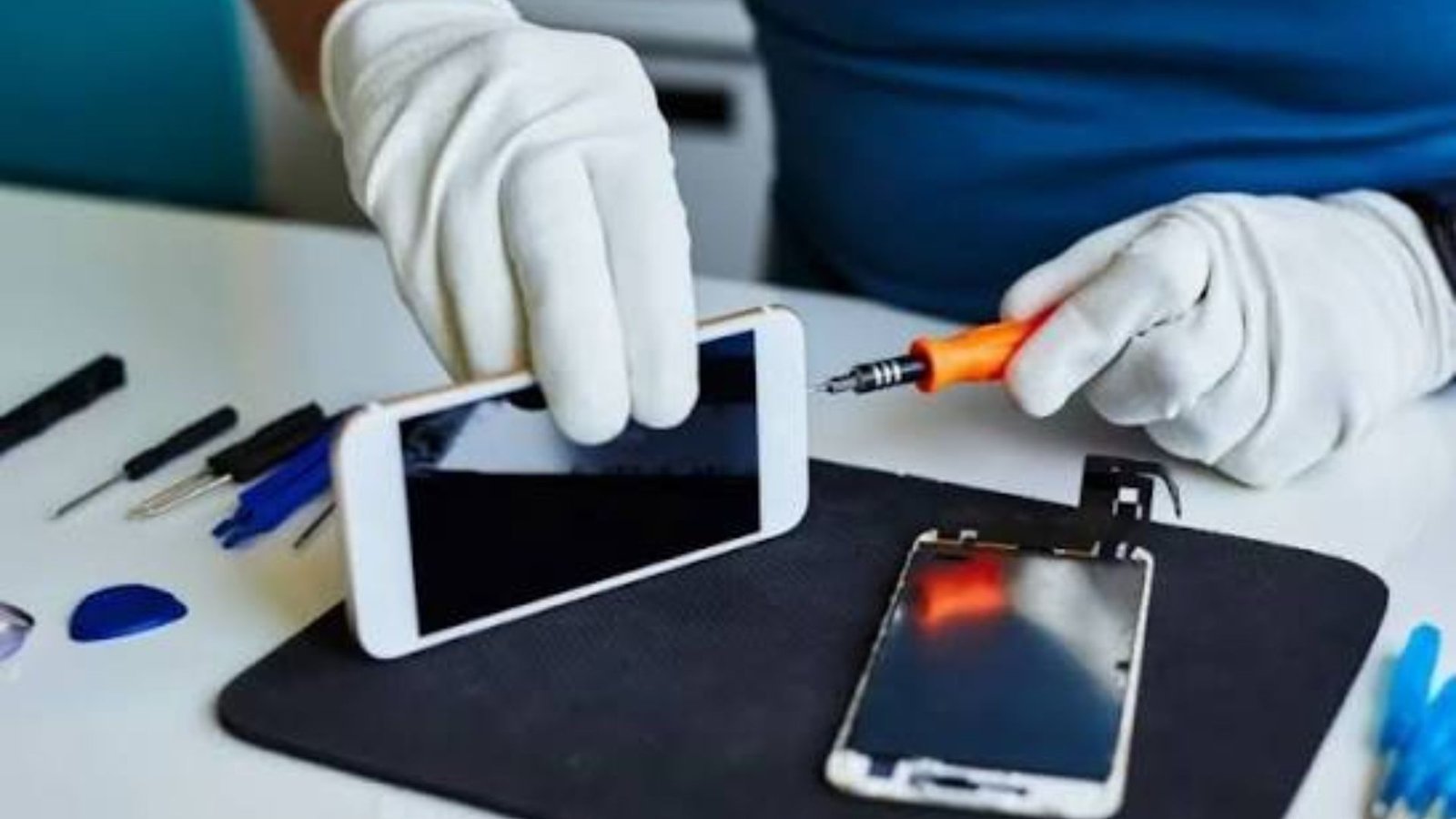
A damaged display can turn a perfectly useful device into a frustrating problem. Whether your phone has a cracked display, your iPad has stopped responding, or your laptop screen shows strange lines, the damage can affect everyday activities, productivity, and access to important information. The good news is that a broken screen does not always mean buying a new device. Understanding the damage, choosing the right repair method, and protecting your data can help you save money and restore your device.
1. What Is a Broken Screen?
A broken screen refers to physical damage to a device’s display or its protective glass. It can happen after dropping a phone, applying too much pressure, hitting a hard surface, or accidentally damaging a laptop or tablet.
Screen damage generally falls into three categories:
- Cracked glass: The outer glass develops visible cracks, but the display may continue working.
- Display damage: Black spots, colored lines, flickering, or distorted images appear.
- Touchscreen failure: The display turns on, but it does not respond correctly to touch.
Understanding the type of damage helps determine whether you need a glass replacement, a complete display assembly, or a professional inspection.
2. What Causes a Phone Screen to Break?
Several everyday situations can damage a smartphone display.
Common causes include:
- Dropping the phone onto concrete, tiles, or other hard surfaces.
- Keeping a phone in a back pocket and sitting on it.
- Applying pressure inside a tightly packed bag.
- Using a poor-quality protective case.
- Exposing the device to accidental impacts.
- Allowing an existing small crack to spread.
Even a minor crack can become worse over time. Pressure, moisture, and repeated impacts may damage the internal display components.
3. How to Fix a Broken Screen Safely
If you are wondering how to fix a broken screen, start by checking whether the damage affects only the protective glass or the actual display.
Follow these steps:
- Inspect the damage: Check for cracks, black spots, flickering, and touchscreen problems.
- Protect your fingers: Avoid touching sharp glass edges. Use a protective covering if the glass is shedding.
- Back up your information: Save photos, contacts, documents, and other important files.
- Check warranty coverage: Review your manufacturer’s repair options and accidental-damage protection.
- Get a repair estimate: Ask a qualified technician to inspect the device.
- Compare replacement costs: Decide whether repairing or replacing the device offers better value.
Do not apply household glue, excessive heat, or pressure to damaged displays. These methods can create additional problems.
4. Broken Screen iPhone: Repair and Replacement Options
An iPhone with a damaged display may still operate normally, depending on the severity of the impact.
However, a broken screen iPhone can develop touchscreen problems, display discoloration, Face ID issues, or unexpected shutdowns if other components are affected.
Apple offers several service options, including in-person assistance through Apple Stores and Authorized Service Providers, as well as mail-in service.
Before arranging an iPhone display replacement:
- Check your AppleCare+ coverage.
- Identify your exact iPhone model.
- Back up your information.
- Request a repair estimate.
- Ask whether genuine replacement parts will be used.
Apple explains that final repair costs depend on the device and inspection results. Its repair service also provides a guarantee on eligible repairs and replacement parts.
5. How to Fix a Broken Screen Protector
Sometimes the actual display is perfectly fine, and only the protective screen protector is damaged.
If you want to replace a cracked protector, follow these instructions:
- Turn off your phone.
- Remove the protective case.
- Carefully lift the damaged protector from one corner.
- Remove any remaining adhesive.
- Clean the display using a suitable microfiber cloth.
- Align the replacement protector with the screen.
- Apply it slowly to prevent air bubbles.
Never confuse a damaged screen protector with a damaged display. If the underlying glass has cracks, replacing the protector will not repair the device.
6. Broken Screen Phone: Signs You Need Professional Repair
A damaged smartphone display does not always show obvious problems immediately.
Watch for these warning signs:
- Black or purple patches spreading across the display.
- Vertical or horizontal colored lines.
- Touchscreen areas that stop responding.
- Flashing or flickering brightness.
- A completely black display while the phone still rings.
- Glass pieces separating from the frame.
If the display becomes hot, the battery appears swollen, or the device shows signs of electrical damage, stop using it and seek professional assistance.
7. Broken Screen iPad: What Should You Do?
An iPad has a larger display than most smartphones, making accidental damage particularly inconvenient.
An iPad with cracked glass might continue displaying content, but internal damage can affect touch sensitivity and visual quality.
For an iPad repair, consider these options:
- Contact Apple Support for an official service estimate.
- Visit an Apple Authorized Service Provider.
- Compare replacement costs with the current value of your iPad.
- Back up your files before handing over the device.
- Ask about service warranties and replacement parts.
Apple provides dedicated iPad service options, with final costs determined after inspecting the device.
8. How to Fix a Laptop Broken Screen
A laptop display can become damaged through pressure, accidental drops, closing the lid with an object inside, or hinge problems.
If your laptop screen is damaged, try these checks:
- Connect the laptop to an external monitor.
- Restart the computer if it is safe to do so.
- Check whether the external display works normally.
- Back up important files.
- Have the internal display and connecting cables inspected.
If an external monitor works correctly, the problem may involve the laptop’s internal display, display cable, or related hardware.
Avoid opening a laptop display assembly unless you have the necessary technical skills. Some models require specialized tools and careful handling.
9. Enable USB Debugging With a Damaged Android Screen
USB debugging allows certain Android devices to communicate with a computer through Android Debug Bridge (ADB).
However, enabling USB debugging when the display is damaged can be difficult because the user normally needs to access Developer Options and approve the USB debugging authorization prompt.
If USB debugging was already enabled and the computer was previously authorized, you may be able to access certain device functions through ADB.
Important considerations:
- A new computer may require authorization on the phone.
- A completely unresponsive touchscreen can prevent approval.
- A USB-C hub or compatible external display may help on supported devices.
- Not every Android phone supports video output through USB-C.
- A professional repair may be necessary to unlock and back up the device.
Avoid unofficial applications that promise unrestricted access to a locked phone.
10. Broken Screen Wallpaper and Prank Ideas
Not every search for display damage involves an actual repair. Some people look for broken screen wallpaper or visual effects to create funny surprises.
A realistic broken screen wallpaper uses high-quality crack patterns, shattered-glass textures, and carefully designed lighting to make a normal display look damaged.
Popular creative options include:
- Realistic broken screen wallpaper.
- Broken screen prank wallpaper.
- Fake broken screen effects.
- Cracked-glass backgrounds.
- Shattered display images.
A broken screen prank can be entertaining among friends, but make sure everyone understands that the damage is fake. Never use prank images to mislead someone into paying for a repair.
11. Can You Sell a Phone With a Damaged Display?
Yes. You can sell a damaged smartphone, even if the display is cracked or partially unusable.
The resale price depends on the device model, storage capacity, battery condition, cosmetic appearance, and repair requirements.
Before selling:
- Back up your personal information.
- Sign out of your accounts.
- Remove your SIM card.
- Perform a factory reset when possible.
- Disclose all display and hardware problems.
- Compare repair costs with the expected resale value.
If you cannot access the display, arrange professional assistance to protect your personal information before transferring ownership.
12. TV Broken Screen: Is Replacement Worth It?
A television with a damaged display panel can be more expensive to repair than expected.
Unlike a small smartphone glass replacement, a television panel replacement may involve a substantial portion of the television’s original cost.
Consider these factors:
- Television size and model.
- Age of the television.
- Panel replacement availability.
- Repair labor charges.
- Cost of purchasing a new television.
Ask a qualified technician for an estimate before making a decision.
13. Detailed Comparison of Screen Damage and Repair Options
The following table explains common display problems, possible solutions, and important considerations.
| Device or Damage | Common Symptoms | Recommended Solution | Important Consideration |
|---|---|---|---|
| iPhone display | Cracked glass, lines, touch failure | Professional screen service | Check AppleCare+ |
| Android phone | Black spots, flickering | Display inspection | Back up data |
| iPad display | Cracked glass, touch problems | Authorized repair | Compare replacement costs |
| Laptop display | Black screen, vertical lines | Screen or cable inspection | Test external monitor |
| Screen protector | Surface cracks | Replace protector | Inspect original glass |
| Television | Large cracks, distorted images | Panel replacement assessment | Compare new TV prices |
| Android USB access | Unresponsive touchscreen | Authorized data-access solution | Check existing USB authorization |
14. How to Prevent Future Display Damage
Preventive care can reduce the chances of expensive repairs.
Follow these simple practices:
- Use a high-quality protective case.
- Install a compatible tempered-glass protector.
- Avoid placing heavy objects on electronic devices.
- Keep phones away from sharp objects.
- Use padded laptop bags.
- Avoid sitting with a phone in your back pocket.
- Handle tablets carefully when traveling.
- Replace damaged protective accessories promptly.
These habits cannot eliminate every accident, but they can reduce everyday risks.
Frequently Asked Questions
1. Can I use a phone with a cracked display?
Yes, if the phone remains safe and functional. However, sharp glass, moisture exposure, and spreading display damage can create additional problems. Professional inspection is recommended.
2. How much does it cost to repair a broken screen?
The price depends on the device model, display technology, parts availability, and repair provider. Request a model-specific estimate before approving the work.
3. Can I recover data from a phone with a black display?
Often, yes. Previously authorized computer access, cloud backups, compatible external displays, or professional repair may help recover information.
4. Will replacing a screen protector fix display cracks?
No. A protector only covers the outer protective layer. It cannot repair damaged display glass or internal screen components.
5. Is it better to repair or replace a damaged phone?
Repairing is often worthwhile when the device is relatively new and the repair cost is reasonable. Replacement may make more sense when several components are damaged or repair costs approach the price of another device.
6. Can I sell a phone with a damaged display?
Yes. Many buyers and electronics recycling businesses accept damaged devices. Disclose the condition accurately, remove personal information, and compare offers before selling.
Conclusion
A damaged display does not automatically mean the end of your favorite device. Whether you have an iPhone, Android smartphone, iPad, laptop, or television, identifying the damage is the first step toward making the right decision.
Compare professional repair estimates, protect your personal information, and consider the device’s remaining value before spending money. With the right approach, you can restore functionality, avoid unnecessary expenses, and protect your electronics against future accidents.
